Best Free Online Notepad 2026 – No Login, Auto-Save & Spell Check (Easy Notepad vs Google Keep & OneNote)
Most note-taking apps ask you to sign up, install something, or hand over your data. EasyNotePad does none of that. In this guide we compare the top free online notepads in 2026 — testing each one for load speed, auto-save reliability, privacy, and ease of use — so you can find the right tool for how you actually write.
Read the full standalone guide with updated July 2026 comparisons →
We tested everything live in early 2026 and ranked the real winners.
Top 8 Free Online Notepads Compared (2026 Edition)
| Tool | No Login | Auto-Save | Spell Check | 100% Private | Offline | Load Speed |
|---|---|---|---|---|---|---|
| Easy Notepad | ✓ Yes | ✓ Instant | ✓ Yes | ✓ Yes | ✓ Yes | <1s |
| Google Keep | ✗ No | ✓ Yes | ⚠ Limited | ✗ No | ⚠ Partial | 2–4s |
| Microsoft OneNote | ✗ No | ✓ Yes | ✓ Yes | ✗ No | ⚠ Partial | 3–5s |
| Simplenote | ⚠ Optional | ✓ Yes | ✗ No | ✗ No (sync) | ✗ No | <1s |
| EditPad.org | ✓ Yes | ✗ No | ✓ Yes | ✓ Yes | ✗ No | 1–2s |
| Joplin | ✓ Yes | ✓ Yes | ✓ Yes | ✓ Yes* | ✓ Yes | 2s+ |
| NotepadOnline / Notepad.one | ✓ Yes | ✓ Yes | ✓ Yes | ✓ Yes | ✗ No | 1–2s |
| Online-Notepad.net | ✓ Yes | ✗ No | ✓ Yes | ✓ Yes | ✗ No | 1–2s |
*Self-hosted only
2026 Winner in every speed & privacy test: Easy Notepad
Easy Notepad is the only tool in our tests that combines instant auto-save, built-in spell check, zero registration, no tracking, and full offline support in one lightweight page.
Why Easy Notepad Is the #1 Free Online Notepad in 2026
No account needed — just open and start writing
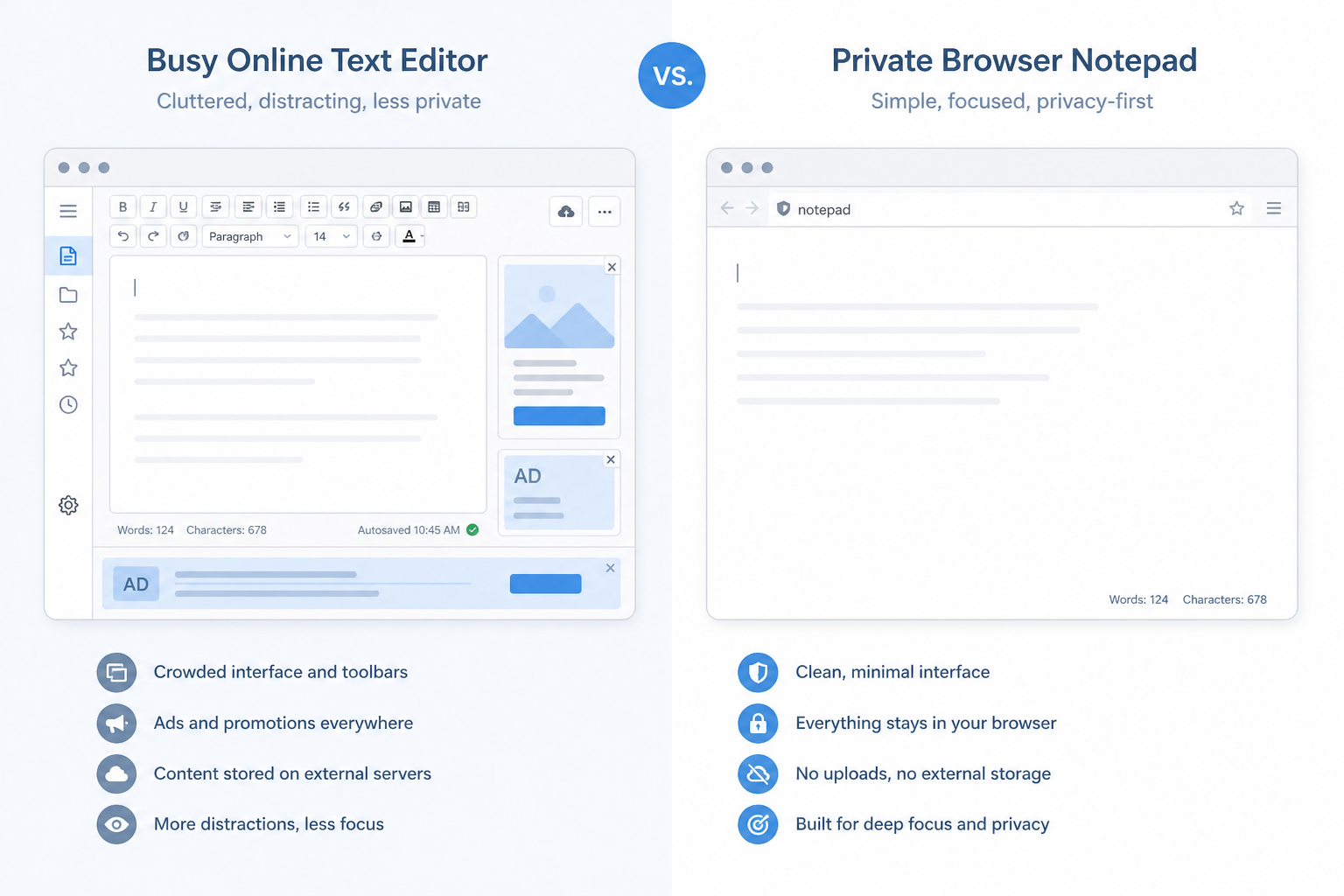
Unlike Google Keep or OneNote, Easy Notepad requires zero registration. No email, no account, no signup process — just visit the site and start writing immediately. It works as a free online notepad with no login for anyone who wants to skip the signup friction.
Every keystroke saved automatically
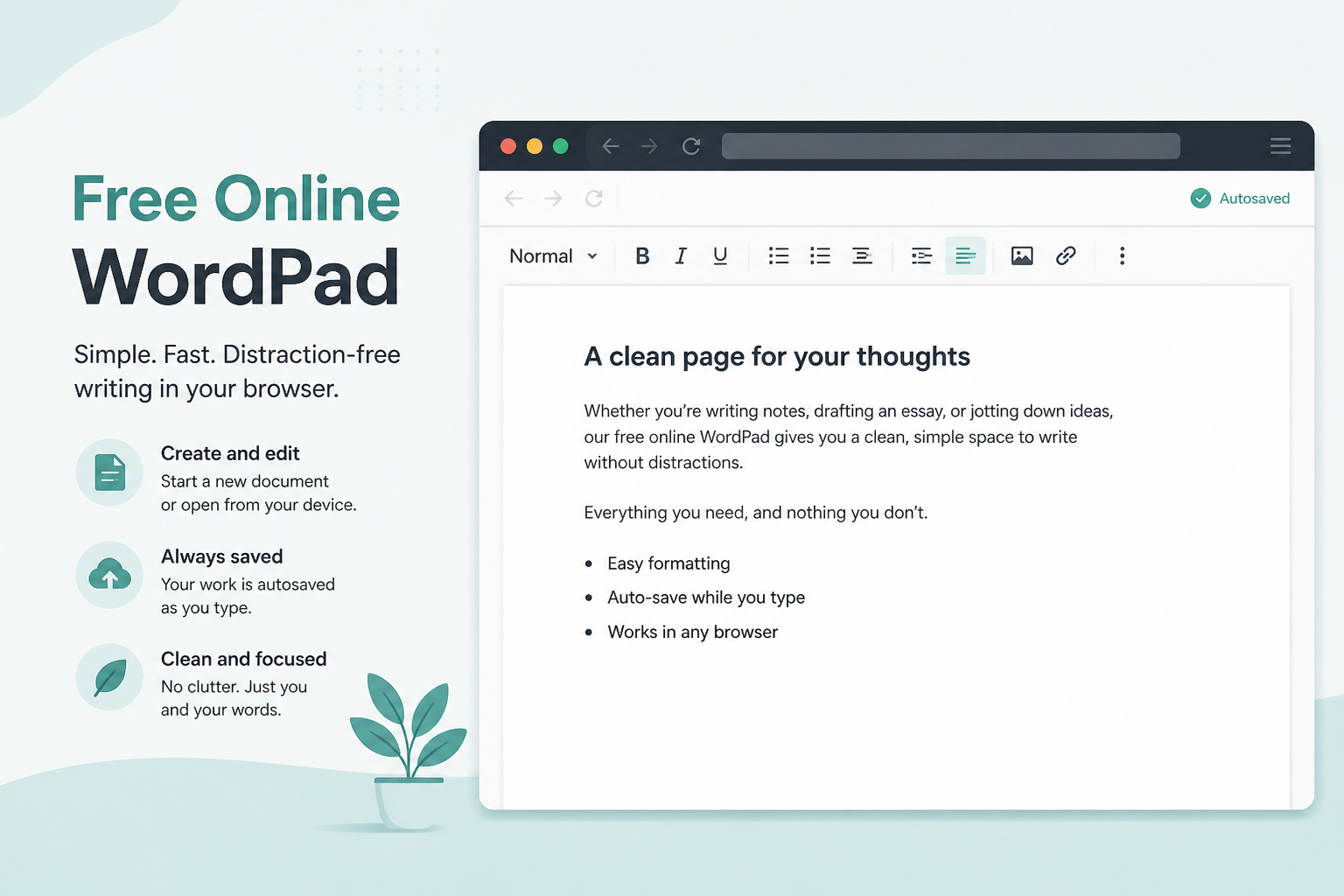
Easy Notepad saves every change automatically, every second. Your work is never lost, even if you accidentally close the browser or lose internet connection. Unlike EditPad.org or Online-Notepad.net, there is no manual save step — auto-save runs continuously in the background.
Real-time spell check as you type
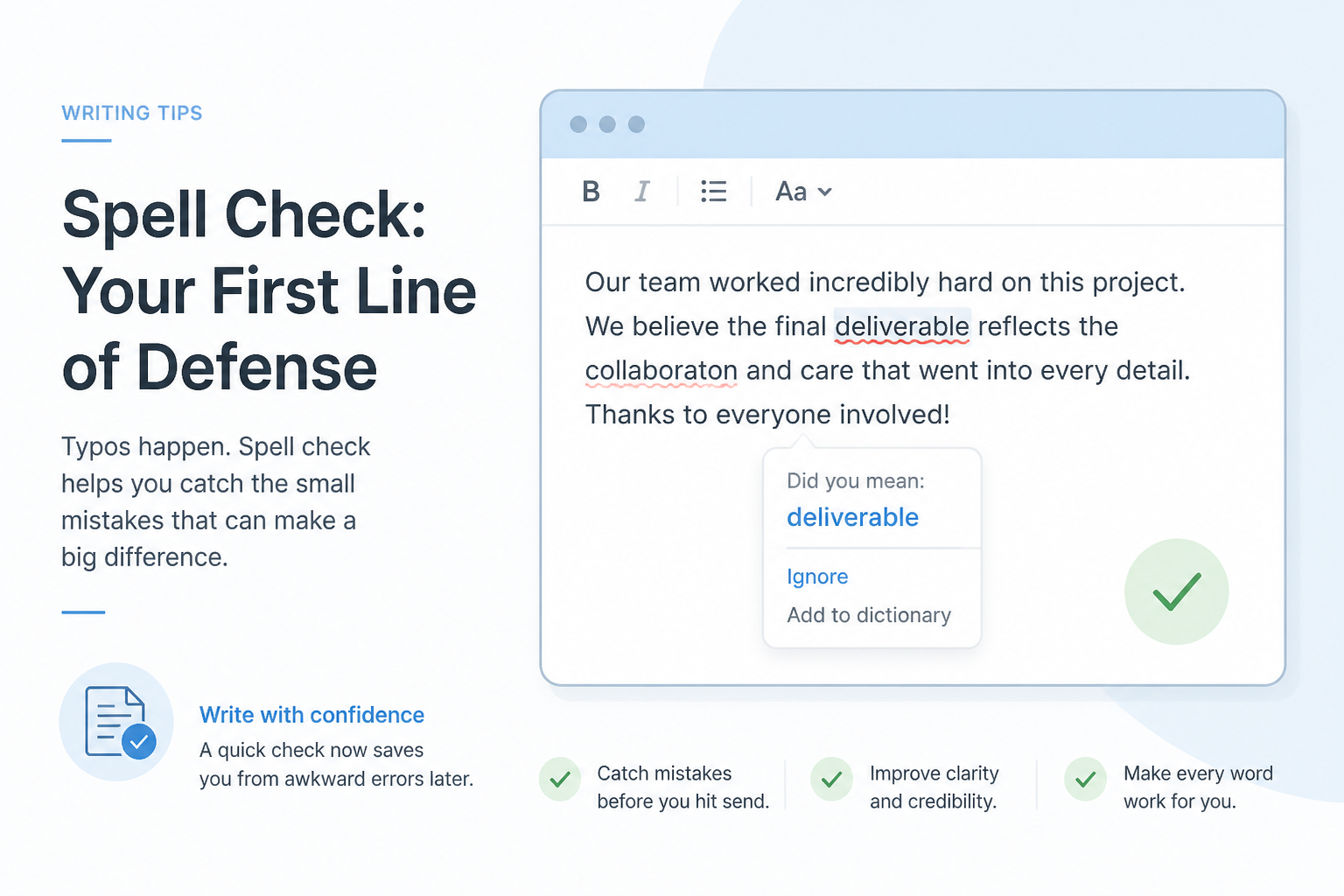
Built-in spell check provides real-time feedback with red underlines for misspelled words. Right-click for suggestions on desktop, or use mobile keyboard suggestions. For quick drafts and everyday notes, that built-in correction layer saves time without opening a separate proofreading tool.
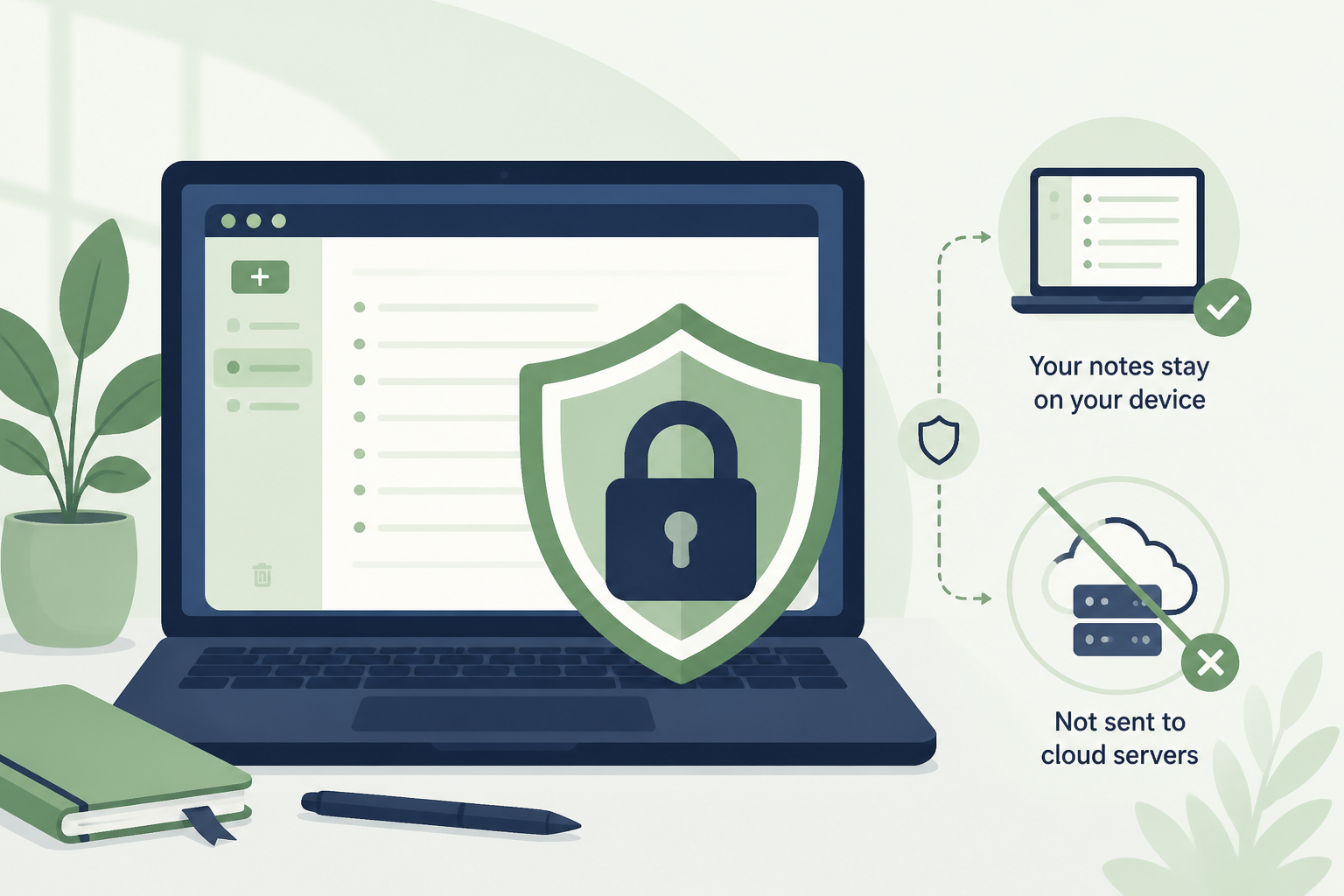
Your notes never leave your device
All your data stays in your browser's local storage — nothing is sent to our servers. Google Keep and OneNote sync your data to their cloud, meaning they can access your content. Easy Notepad gives you complete privacy and control over every word you write.
Works offline after the first visit
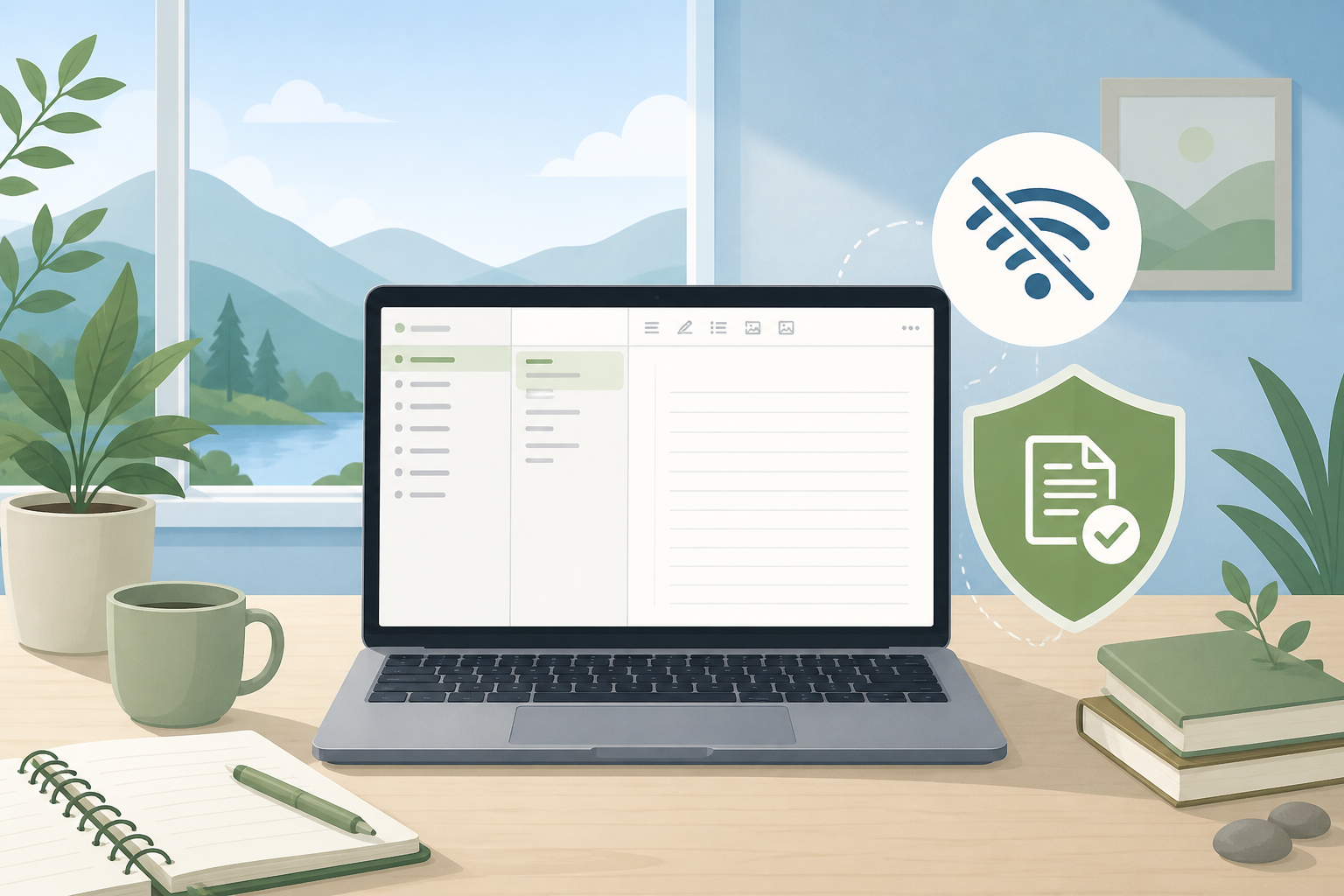
Once loaded, Easy Notepad works completely offline. No internet is required after the initial page load, which makes it ideal for travel, flights, or areas with poor connectivity. Google Keep and OneNote require constant internet for full functionality.
Loads in under one second on desktop and mobile
With a load time of under 1 second, Easy Notepad is significantly faster than Google Keep (2–4s), OneNote (3–5s), or Joplin (2s+). The lightweight design ensures instant access whenever you need to jot down notes.
✨ Key Advantages
- No ads. No cookies. No account ever required.
- 100% free with no hidden costs or premium tiers
- Works on all devices: desktop, tablet, and mobile
- Export to TXT, PDF, DOCX, and HTML formats
- Word count, find & replace, and keyboard shortcuts
Perfect For
- Students searching "quick online notepad for notes"
- Writers needing a "distraction-free online notepad"
- Professionals wanting a "secure online notepad no signup"
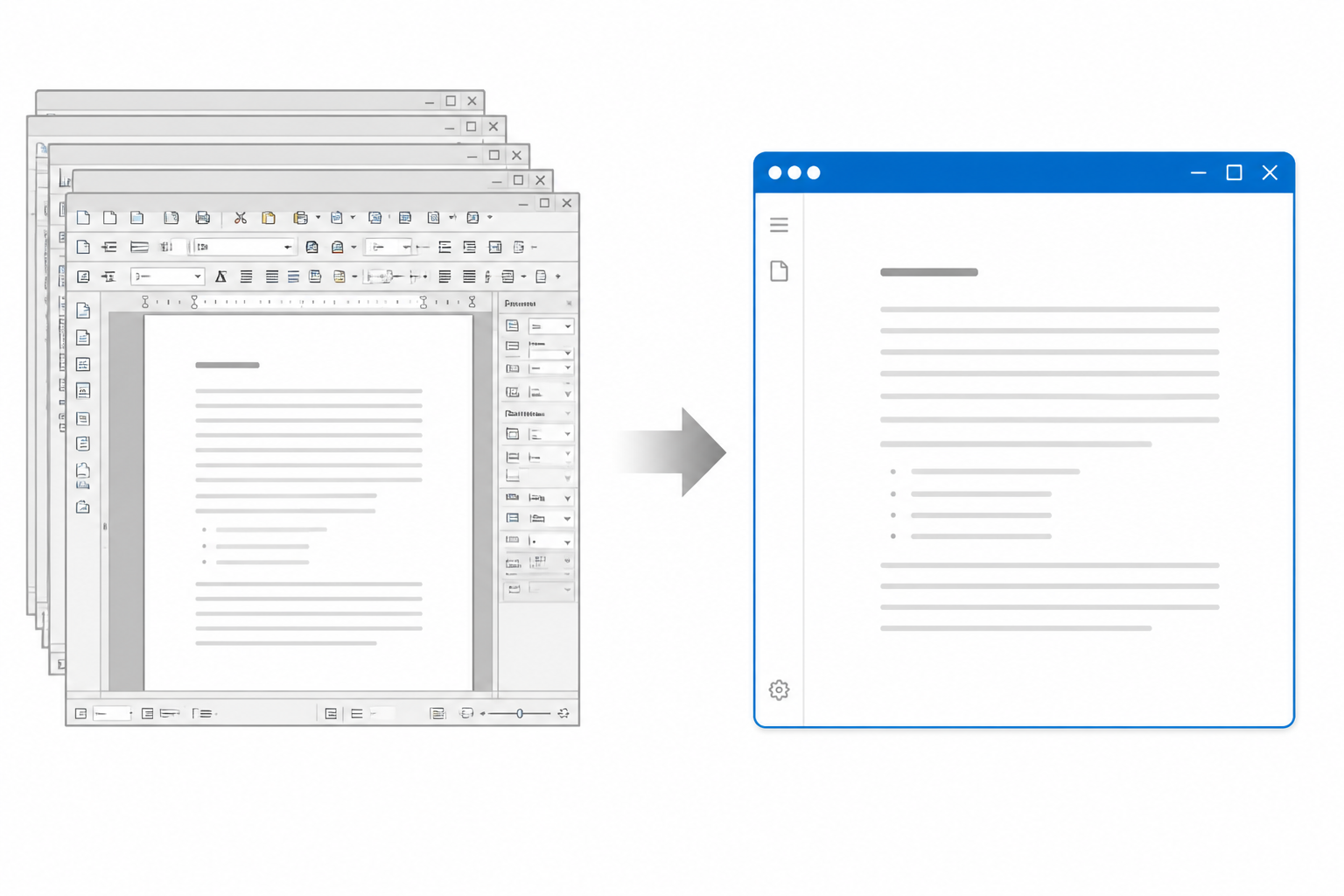
- Anyone tired of Google Keep's tracking and OneNote's bloat
Start Using the Best Free Online Notepad Right Now
- → Click here: easynotepad.com
- → Type — auto-save + spell check activate instantly
- → Close the tab, reopen anytime — your notes are still there
Zero setup. Zero cost. Zero compromise.
Try the fastest, most private free notepad in 2026 today — auto-save and spell check included from the first keystroke.
Already switched from Google Keep? Share which no-login notepad you rely on for everyday notes.
Updated June 1, 2026